Set the EHX Audio Mixer Screen Option for Binaural Audio Routing
-
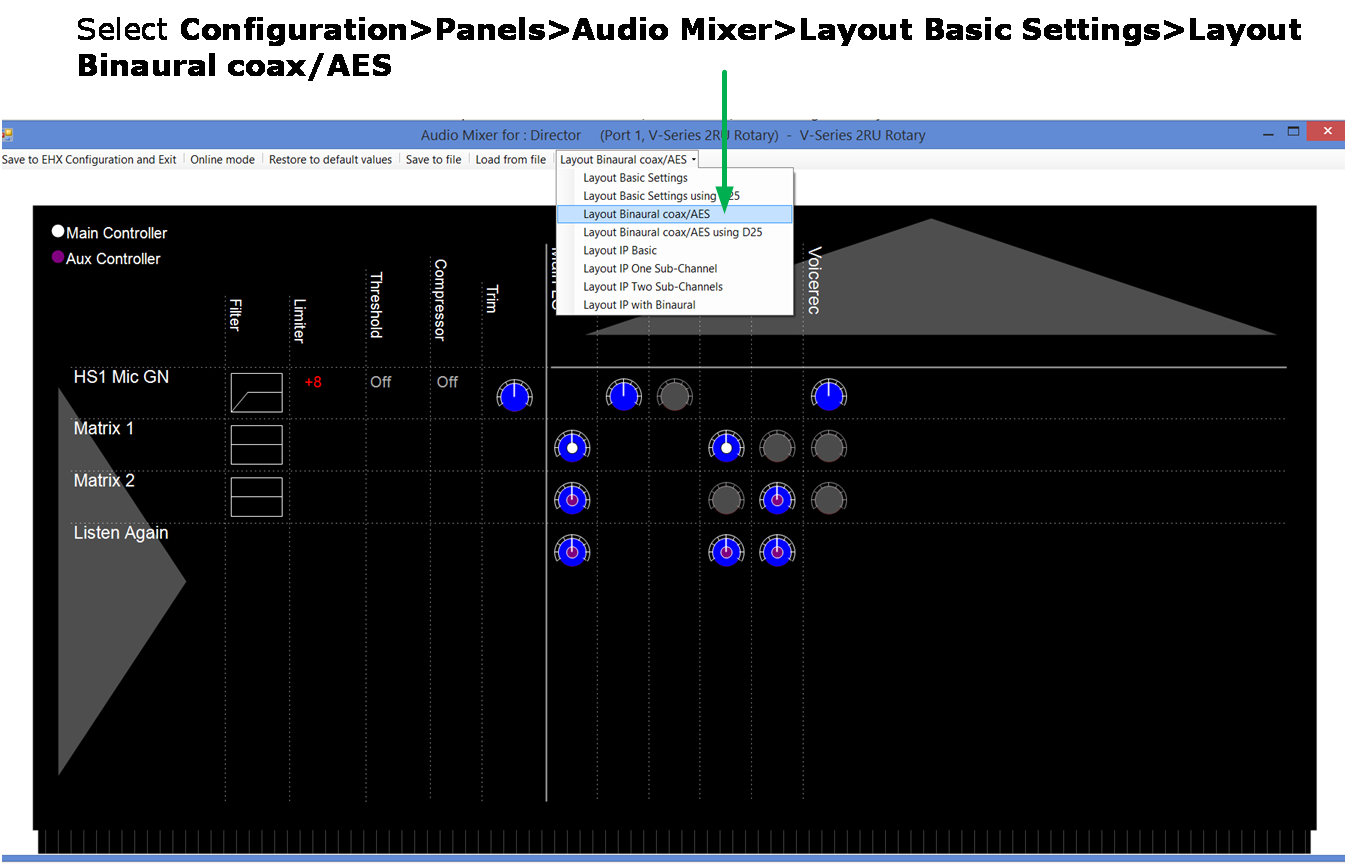
Select Configuration>Panels>Audio Mixer>Layout Basic Settings in the EHX software and chose either Layout Binaural coax/AES or Layout Binaural coax/AES + D25. See the image below.
-
Set audio routes as required (see EHX User Guide; Audio Mixer for more information).