Making a Call
To make a telephone call, drag a contact from the palette onto a four-wire telephony port viewer on the canvas.
If the call is successfully connected, the phone status appears:
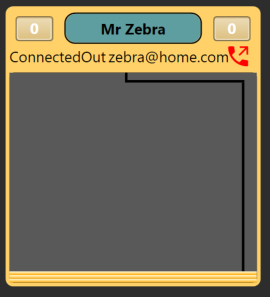
Select the red off-hook icon to view the call-in-progress screen:
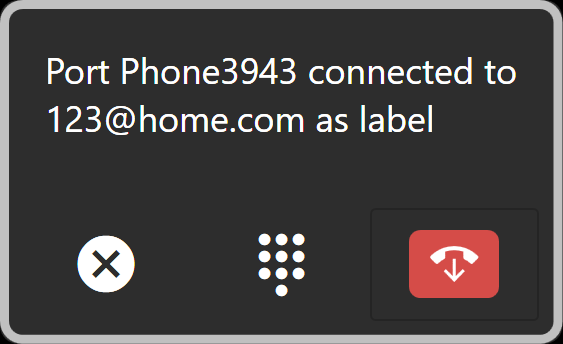
From this screen, you can:
-
End the call - select the red hang-up icon to end the call.
-
Send DTMF information – select the dial pad icon
You can also make a call by using the telephone icon on a four-wire port viewer or port display.

Click on the telephone icon to open the dial window:
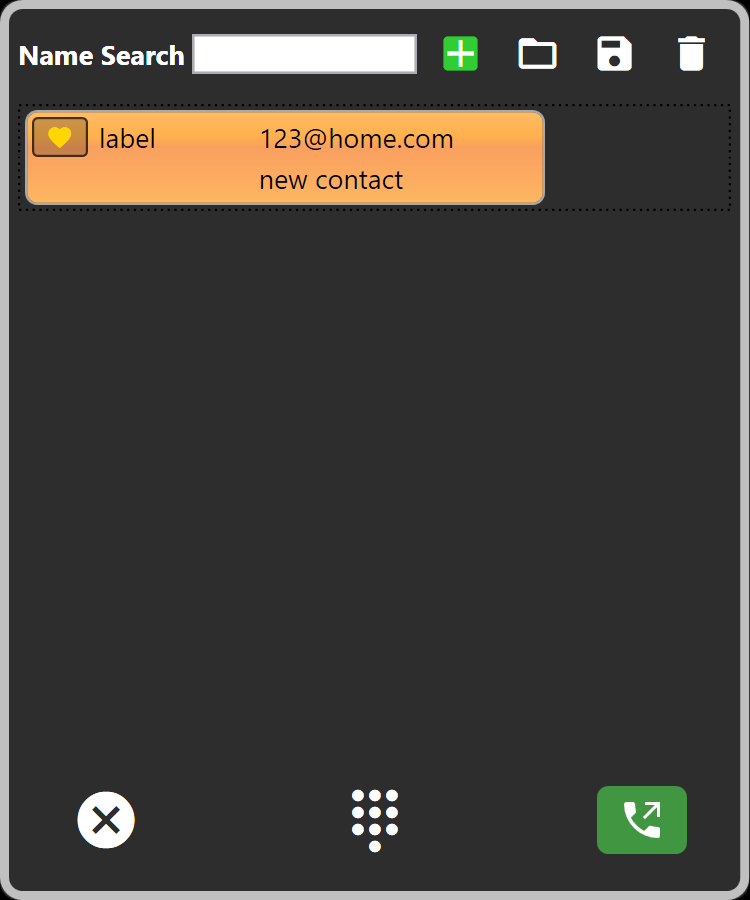
Select the required contact, and then click the green call button.
You can also use Name Search field to search for a contact.
You can also initiate a call by double-clicking a contact.
On-screen dial pad
To view the on-screen dial pad:
-
Click the dial pad icon
 . The on-screen dial pad appears.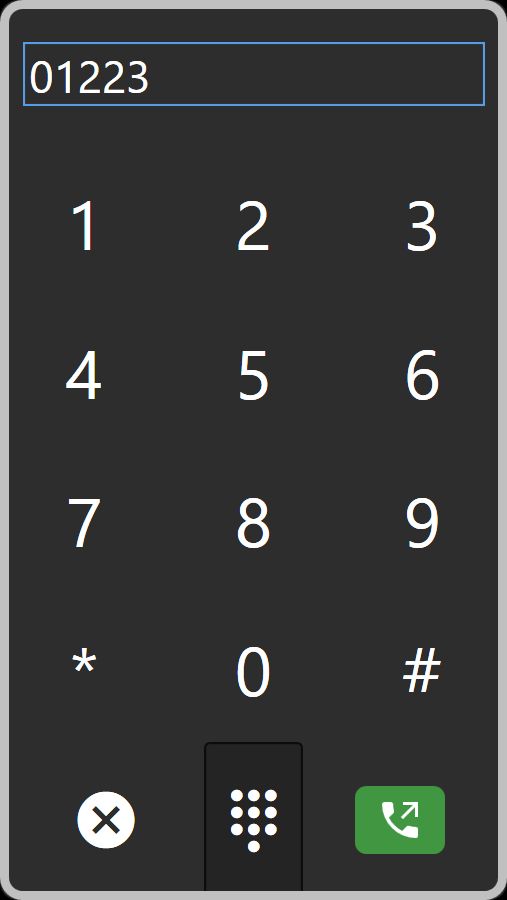
-
Use the pad to dial the required number, and then click the call button.
Dropped and terminated calls
When a call is ended or the connection fails, a message appears in the notification area in the bottom right of the window. You can specify how long it remains here. For more information, see Configuring Prompts and Other Settings.
Port aliasing
By default, aliases are applied to all SIP and TEL-14 ports when a call is underway. If the number is known in the directory, the associated name is used, otherwise the first 10 digits of the called party or caller id. Additionally, numbers can be imported from text files. When the call is dropped, the alias is removed.
When the matrix reports that a call, incoming or outgoing has been set up, if PM has a matching Contact in the Directory, the name of that contact will be applied to the port as an alias. When the call is dropped, the alias is removed.
To prevent aliases applying to SIP and TEL-14 ports, deselect Settings > General > Use caller id or dialled number to apply alias on SIP or TEL-14 ports.
IFB aliasing
By default, aliases are applied to all IFB ports that have a telephony port as a destination
To prevent aliases applying to IFBs, deselect Settings > General > Use caller id or dialled number to apply alias on IFB with telephony destination.
Piecemeal dialing
Once a call is initiated, further digits can be sent during the connection.
For TEL-14, this method can be used to make the initial call. For SIP, only prepared dialling can be used to create an initial connection.
For both TEL-14 and SIP clients, the in-band digits can be used, for example to navigate remote PABX menu systems.