How to Use HTTPS with LQ Series Units, Overview
It is helpful to know how to set up an LQ device (Basic set up) and a Link-Group (Create a Link-Group) before establishing a secure connection. Please refer to the relevant sections in this manual if necessary.
There are two main steps to establishing an encrypted connection on the management ports of the LQ units.
- Choose and install a suitable security certificate on the browser used to access the Core Configuration Manager (CCM) of the LQ units.
- Enable the Force HTTPS feature on the LQ Series 4.0 and above unit. When you enable the Force HTTPS feature on an LQ unit, HTTP is turned off for that LQ unit and traffic is redirected to the HTTPS port. The Force HTTPS feature is found in the Network page of the CCM under the Security tab. The default setting for this feature is OFF.
You must choose and install a security certificate and test it before enabling the Force HTTPS feature in the Core Configuration Manager (CCM).
Test the certificate by typing https:// LQ IP address in the browser URL field : 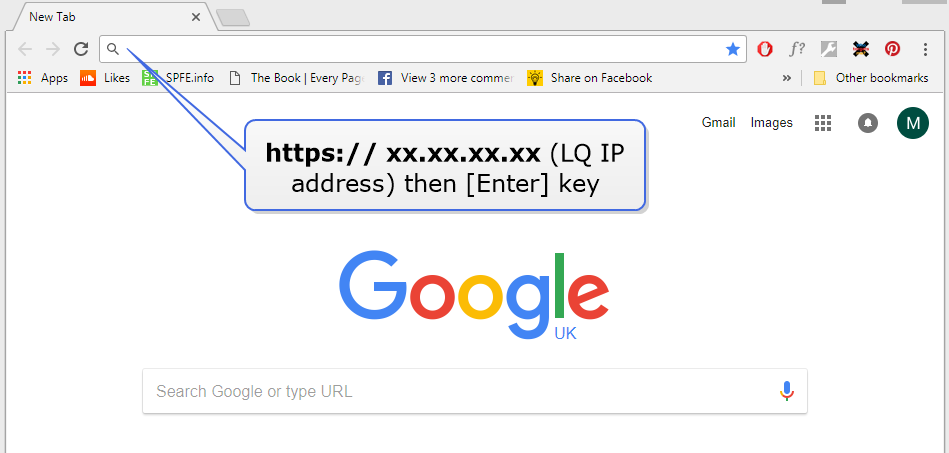
If the browser does not recognise the certificate as valid it will issue a warning:
Example browser exception: 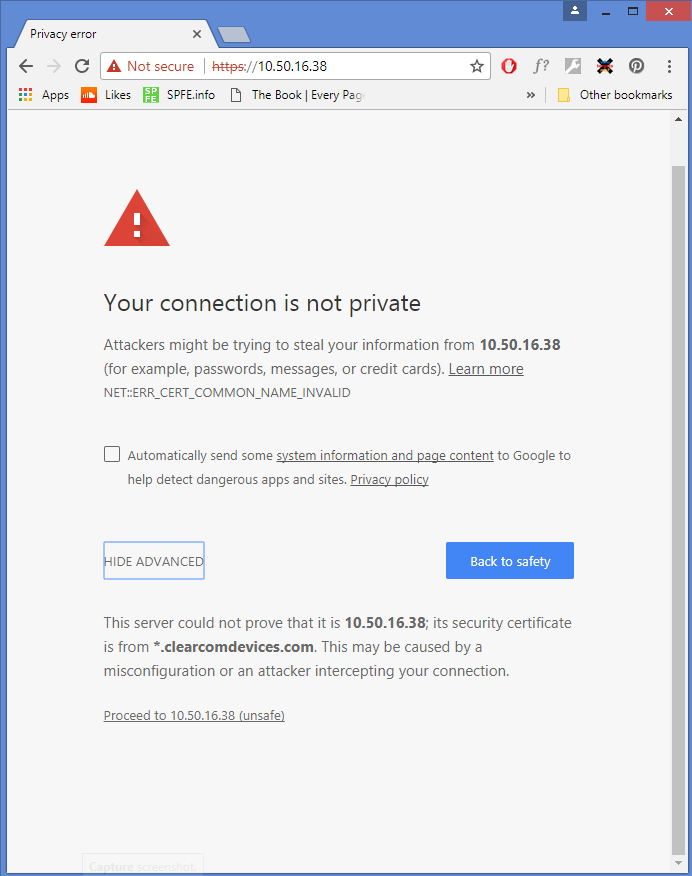
When correctly installed, your browser will use the certificate to authenticate its HTTPS connection with LQ devices, giving an encrypted connection between the browser and the LQ unit and also between devices in a Link-Group.
| Note: | The security certificate must be installed on every instance of a browser that is used to access the LQ unit. If you are working with a Link-Group, each browser used to access the devices must have a certificate installed. |
Relevant Information:
- LQ devices are designed to work with both HTTP and HTTPS. Enable the Force HTTPS feature to turn off the HTTP port and redirect traffic to the HTTPS port. This contributes to a secured connection between the devices.
- HTTP us routed through port 80
- HTTPS is routed through port 443
- There are 3 types of security certificate available for use with your LQ device:
- A certificate of your own choosing (fullchain and private key)
- An EasyDNS authorized certificate for *.clearcomdevices.com
- The Clear-Com self-signed certificate.
- Depending on which certificate you use, you may have to register your LQ devices with a DNS server.
- If you try to Link to or access the CCM of a device that has been set to Force HTTPs using the HTTP protocol, you will get a device not found type message as the HTTP port has been turned off. If a device has been set to Force HTTPs in the CCM, you must use HTTPS to reach the device.