BRIGHTNESS menu
The BRIGHTNESS menu enables you adjust the brightness settings for the panel.
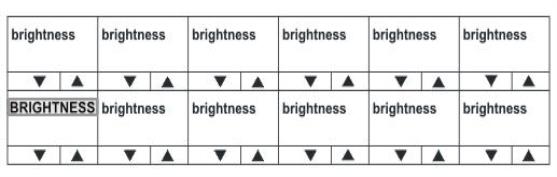
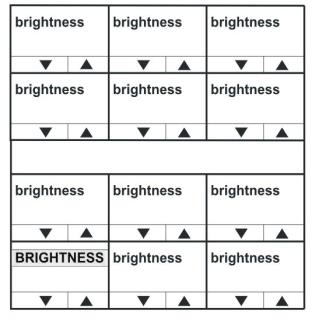
Use the up/down buttons or rotary control on the Reply key to alter the brightness of the displays.
| Note: | If you change the display brightness locally, the EHX software can only change it by performing a full reset. Otherwise, the EXH software can download changes without a black reset. |
Dim Mode
The displays automatically dim after the time limit set in EHX Panel Options (from 5 to 120 minutes) where 0 minutes sets the panel display to dim mode permanently.
The default is 20 minutes.
After a further period, the display will change to provide a screensaver to increase the lifetime of the displays (not for VI-PNLB-XXX-XX panels). For VI-PNLB-XXX-XX panels, the display will enter dark mode 180 minutes after entering dim mode.
| Note: | To return to the LOCAL PREF menu, press the Reply key / Reply key talk button (BRIGHTNESS). |