DIAL menu
The DIAL menu is provided on 1RU panels to allow users to dial telephone numbers. 2RU panels also have a dial pad for dialing telephone numbers.
To use the DIAL facility, you must first set up a key on the panel to a TEL-14 interface module. To dial out:
- Select the TEL-14 interface module.
- Use either the dial pad (if available) or the DIAL menu to dial the telephone number.
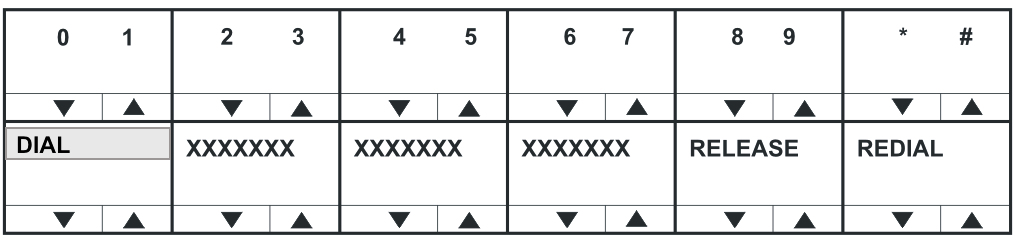
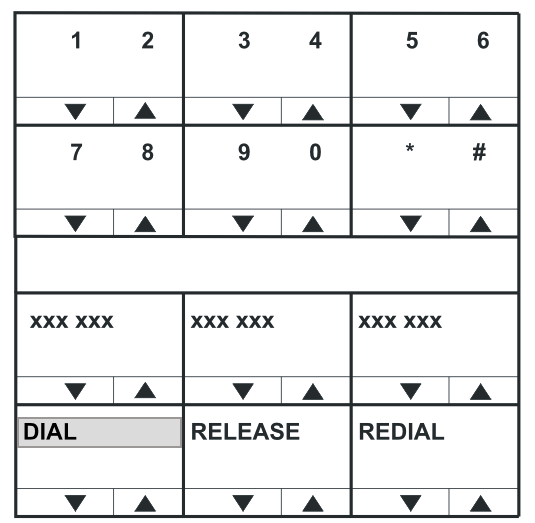
On lever key and pushbutton panels, pressing the up / down buttons under the numbers will dial the numbers as they are selected and enter them into the dial display on the lower line (shown as XXXX).
On rotary panels pressing the rotary control will select the left digit, while pressing the talk button will select the right digit. Telephone numbers up to 30 digits in length may be displayed.
If the initial number dial is unsuccessful, select the RELEASE key to release the telephone line.
Select REDIAL to dial the number saved on the lower line of the display. If you exit DIAL mode, the redial number is cleared.
The RELEASE and REDIAL keys perform the same function on 2RU panels whether the keypad or panel keys are used to dial the number.
| Note: | To return to the main menu, press the Reply key or Reply key talk button (DIAL). |
Using the DIAL menu with dial pads
Using the dial pad on 2RU rack mount panels to access the DIAL menu by pressing 1 will enter a different dial menu. The labels operate as normal, and dialing out is achieved using the dial pad.
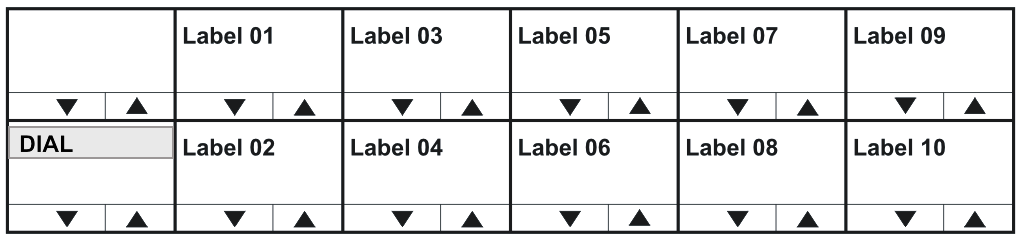
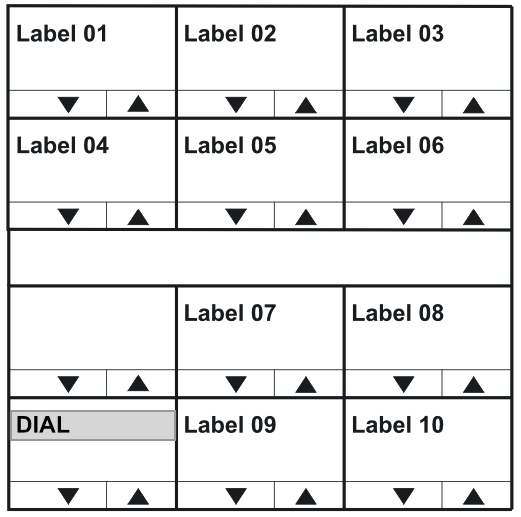
When you dial out through a TEL-14 interface module, using the DIAL menu, no outgoing audio is transmitted until you exit the DIAL menu. Incoming audio from the TEL-14 interface module can be heard, however.