Monitoring I.V. Direct
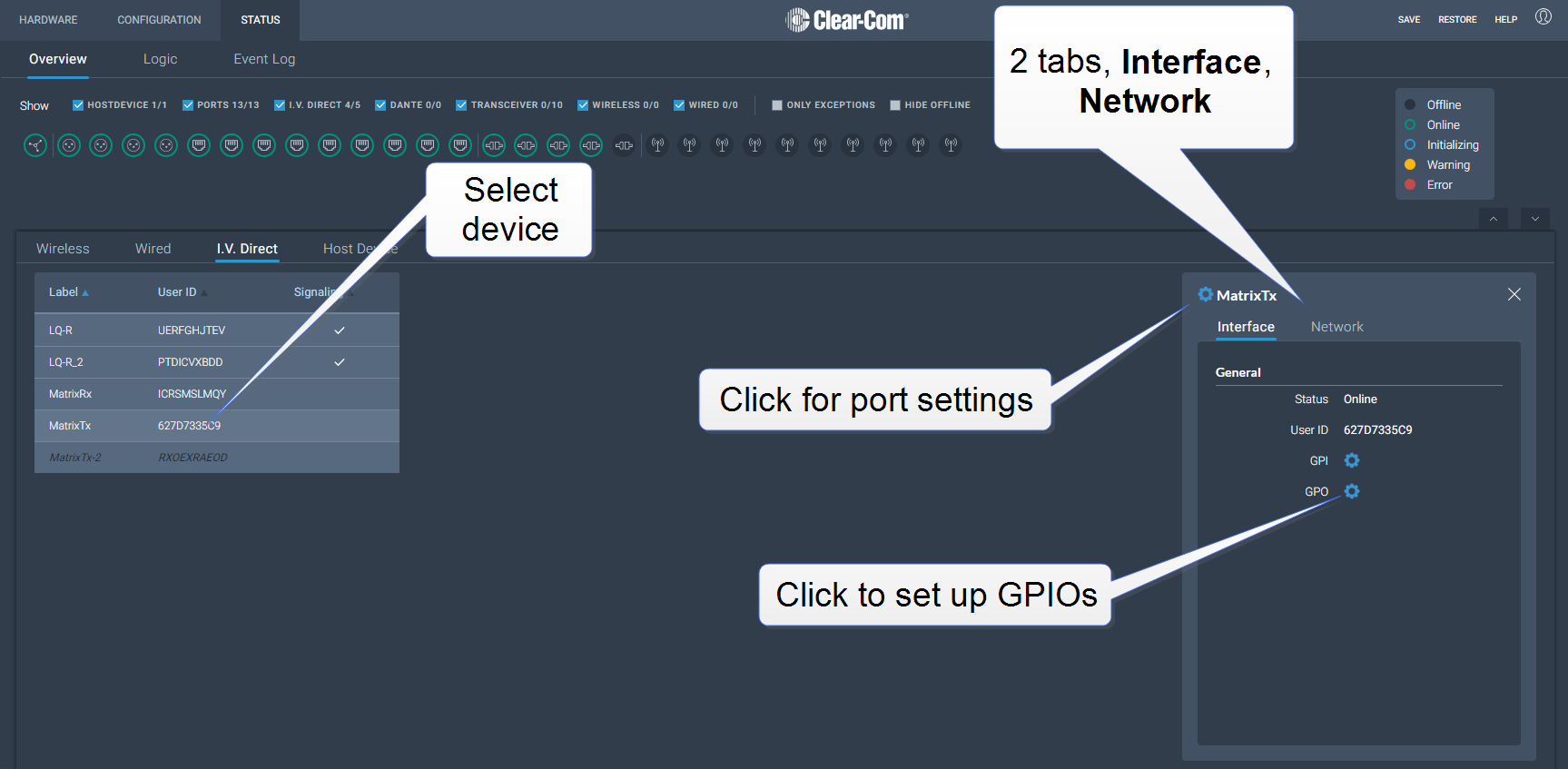
Navigate to Status > Overview >I.V. Direct. This section of the Overview screen lists all the I.V. Direct ports connected to your system, and gives the following information for each device:
Interface
Status (online/offline)
User ID
GPI
GPO
Click the cog  icon to configure GPIOs
Network
Local IP address
Local port
Remote IP address (if this is the calling device)
Network quality (LAN, WAN or Internet)
Click the cog icon to configure settings and credentials
Diagnostic information
Connection time
Average jitter
Max jitter
Rx packets
Tx packets
Rx drops